TiledLand
TiledLand is a Python library for simulating flat worlds composed of convex polygonal tiles. Each tile can contain mobile objects; its connections to other tiles form a movement graph.
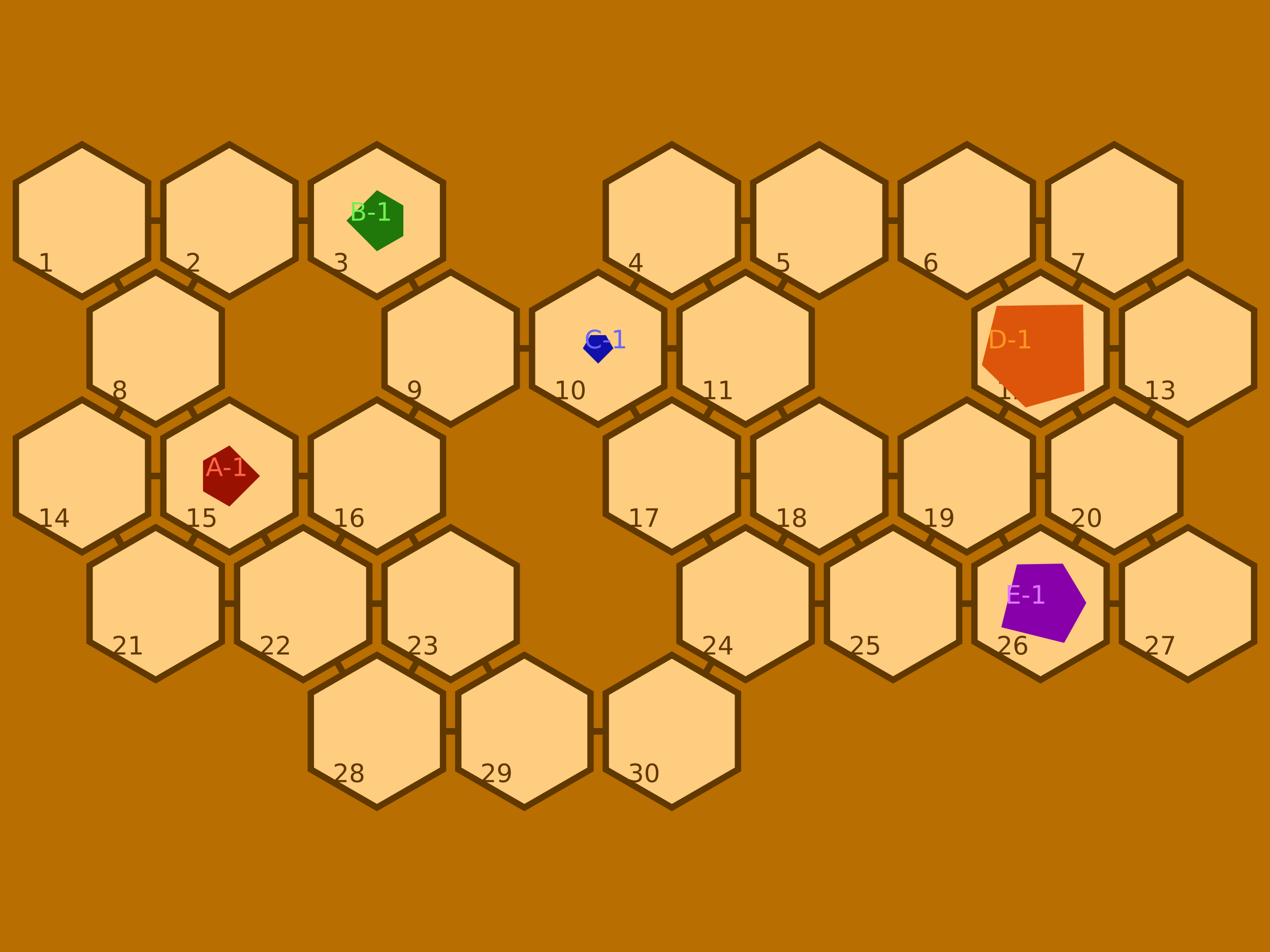
The project is used to experiment with geometry, navigation, and multi-agent systems. This documentation describes the local code of version 0.2.0, including its current capabilities and limitations.
Getting Started
- Install the library and create your first scene.
- Understand entities and tiles and tabletops.
- Produce an SVG or PNG rendering.
- Associate bodies with actors and program a decision.
Model Organization
| Object | Role |
|---|---|
Point, Line, Convex, Box, Grid |
Geometry and discrete maps |
Entity |
Object with a shape, position, and orientation |
Tile |
Entity representing an area, its neighbors, and its content |
Tabletop |
Collection of tiles and connection graph |
Actor |
Association between an agent and one or more bodies |
Land |
Board, body models, and actor collection |
Agent, Action |
Behavioral sketch using state machines |
Artist |
Rendering on a graphic medium |
Scope
Scene constructions, transformations, and renderings already allow for experiments. The Agent layer remains partial; the examples in this documentation avoid its currently defective methods.
The geometry, map import, serialization, and practical reference pages complete the journey. The contribution guide explains how to test and build this documentation.